
Place the hangers
The selected pipes are analysed and hangers are placed at the positions the rule set produces.
AutoHanger is an add-in for Autodesk Revit. It places pipe hangers and support rails from rules you define yourself.
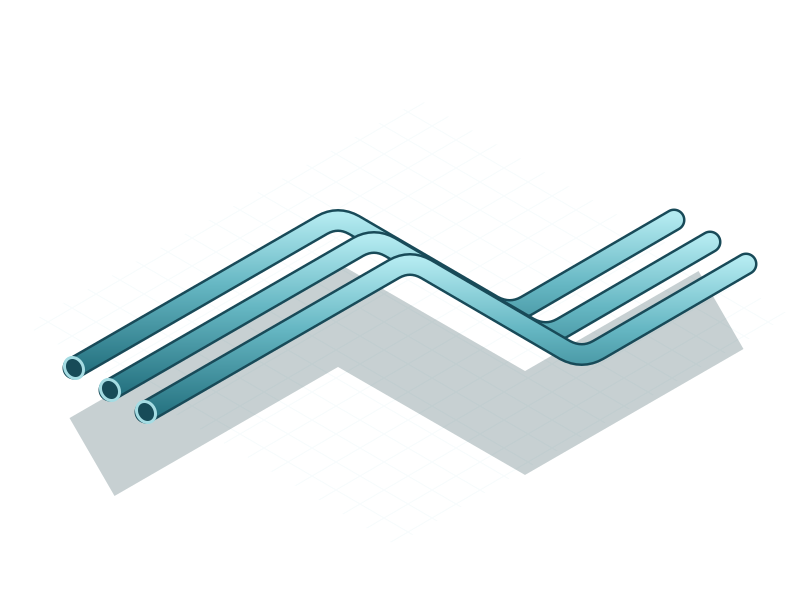
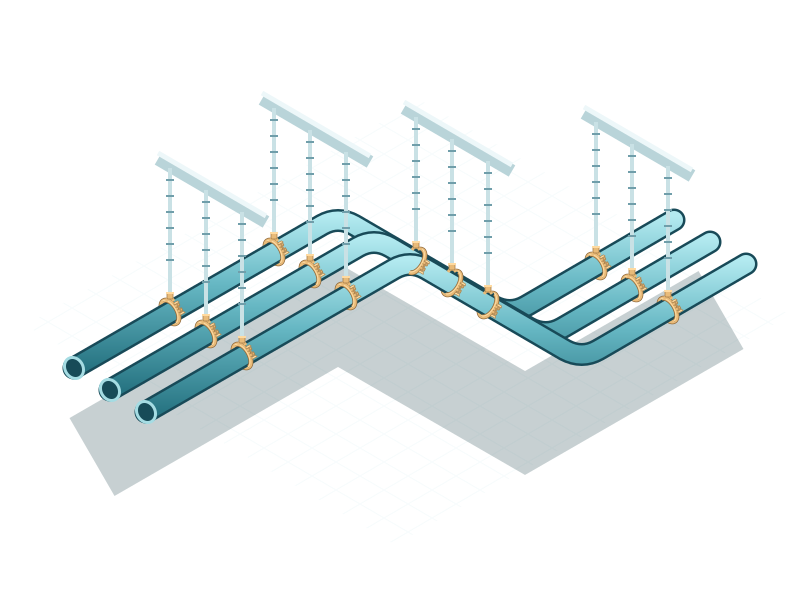
The selected pipes are analysed and hangers are placed at the positions the rule set produces.
Hangers standing side by side are grouped onto a shared rail: against the structure, or suspended above or below the pipes.
For each hanger the supporting component above or below is located and the rod length is adjusted individually.
Every setting is saved as a rule set and is available on every further project. Rule sets are files on your computer and can be passed to another workstation unchanged.
Pipes, planned positions and findings are shown before anything is created in the model.
Every hanger carries the rule that governed it and any adjustment that was made.
Models, rule sets and logs stay on your computer. No account is required.